Embroidery guide
What Is Embroidery Digitizing? The Invisible Step Between Art and Thread
Digitizing turns artwork into a stitch file an embroidery machine can sew. What digitizers decide, file types, and what it means for a child's drawing.
If you've ever ordered custom embroidery, you may have seen the word "digitizing," sometimes with a fee attached. It sounds like scanning. It isn't.
Digitizing is the process of translating artwork into stitches: deciding where every single stitch goes, how it's angled and in what order the machine sews it. It's the difference between embroidery that looks crisp and alive and embroidery that puckers, gaps or looks flat. Here's what it involves, in plain English.
Why you can't just "print" with thread
A printer can take any image and lay down tiny dots of ink. An embroidery machine can't work that way. It needs to know:
- where to put the needle down, stitch by stitch
- what kind of stitch to make in each area
- which direction the stitches should run
- when to change thread color
- when to trim and jump to another area
An image file contains none of that information. A digitizer creates it.
What a digitizer actually decides
1. Breaking the design into shapes
First, the artwork is divided into areas: this outline, that filled shape, those small details. Each area becomes an object in the embroidery software.
2. Choosing a stitch type for each shape
- Running stitch for thin lines and fine outlines
- Satin stitch for narrow shapes, borders and lettering, with long, glossy stitches side by side
- Fill stitch (sometimes called tatami) for larger areas, made of rows of shorter stitches in a pattern
Choosing well is half the craft. The same shape stitched in satin or in fill looks completely different.
3. Setting stitch direction
Thread is shiny, and it reflects light differently depending on its angle. Changing stitch direction between areas adds depth and makes shapes stand apart, even in the same color.
4. Setting density
Too few stitches and the fabric shows through. Too many and the design becomes stiff and bulletproof, and may pucker. The right density depends on the fabric: T-shirt jersey and hoodie fleece behave differently.
5. Underlay
Before the visible stitches, the digitizer adds hidden foundation stitches. Underlay stabilizes the fabric, lifts the top stitches and helps prevent the fabric from peeking through.
6. Pull compensation
Stitches pull fabric inward as they tighten. A circle can come out slightly oval, and shapes that should meet can drift apart. Digitizers compensate by making shapes slightly wider in certain directions, so the finished embroidery matches the artwork.
7. Sequencing
The order matters. Background areas are usually stitched before foreground ones, so details sit on top. The digitizer also arranges objects to minimize color changes and long jumps, which saves time and leaves a cleaner result.
Embroidery file formats
The finished design is saved in a machine format. Different machine brands use different formats. Some common ones are DST, PES, EXP and JEF. These files contain stitch coordinates and commands, not a picture, which is why you can't open one in a normal image viewer.
Many embroidery programs also keep a separate editable working file, so a design can be adjusted later.
Automatic vs. manual digitizing
Some embroidery software can convert images into stitches automatically. It can be useful for simple shapes, but results are often uneven: stitch directions that fight each other, too many tiny jumps, details that turn into blobs.
Professional digitizing is usually done by hand, or at least heavily refined by a person, because the decisions above require judgment. That's why digitizing is a skill people train in for years, and why some embroiderers charge a separate fee for it.
Why digitizing changes some details
Even excellent digitizing can't reproduce everything. Thread has thickness, so:
- Hairline strokes become slightly thicker
- Tiny gaps between shapes may close
- Soft shading turns into solid color areas
- Very small lettering needs to be enlarged or simplified
A good digitizer decides what's essential and protects it.
Digitizing a child's drawing: what we protect
Children's drawings need a particular kind of digitizing. The temptation, for a technical person, is to "clean up" the art: straighten lines, even out the coloring, fix the proportions. That's exactly what we don't do at ANORA.
When we prepare a child's drawing for thread, we try to protect:
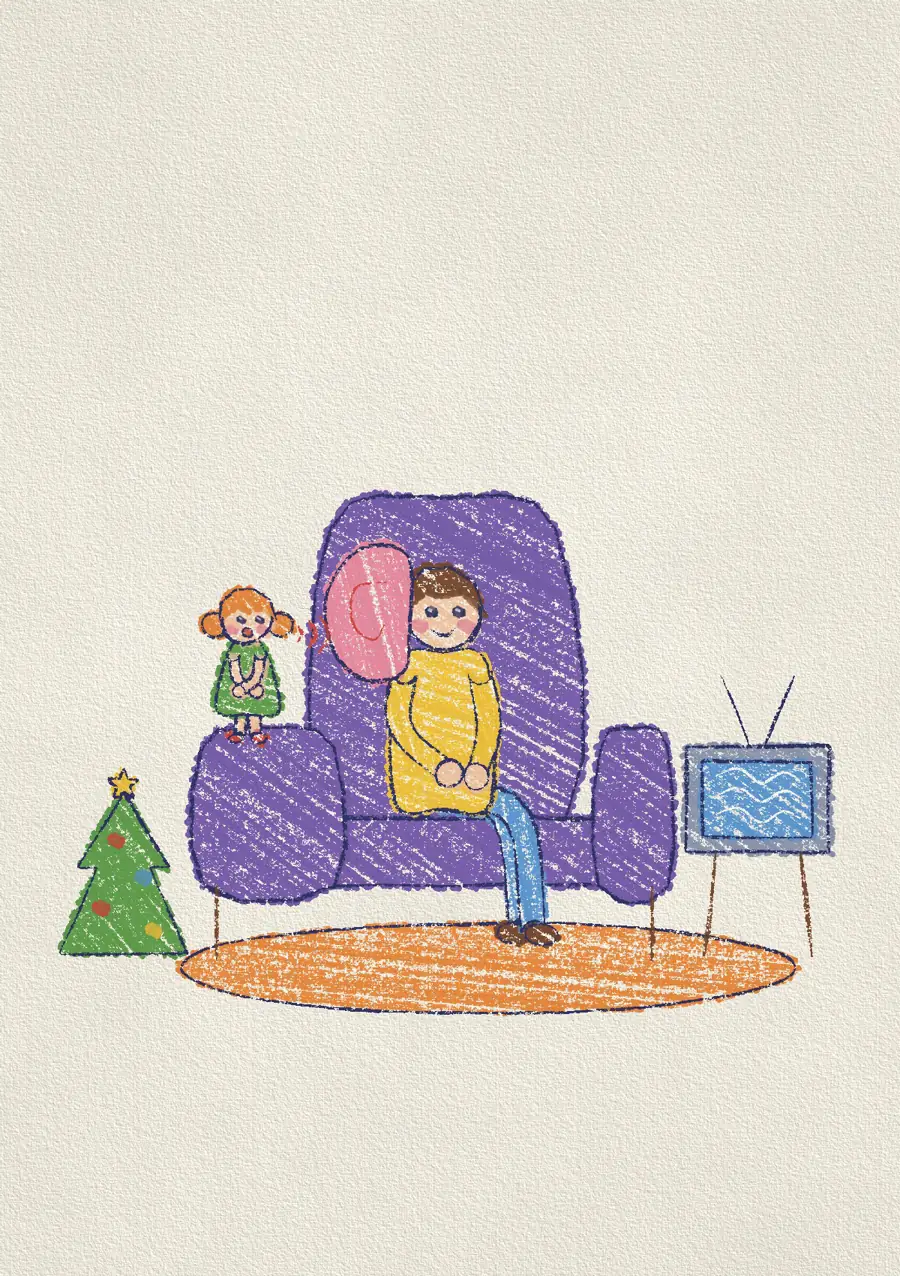
- Proportions, even (especially) the "wrong" ones. A dad with one giant ear, as in our film The Listening Ear, keeps his giant ear.
- Line character: the wobble, the overlap, the stroke that goes past where it should
- Faces, which carry most of the emotion
- Color relationships: if the sun is blue, it stays blue
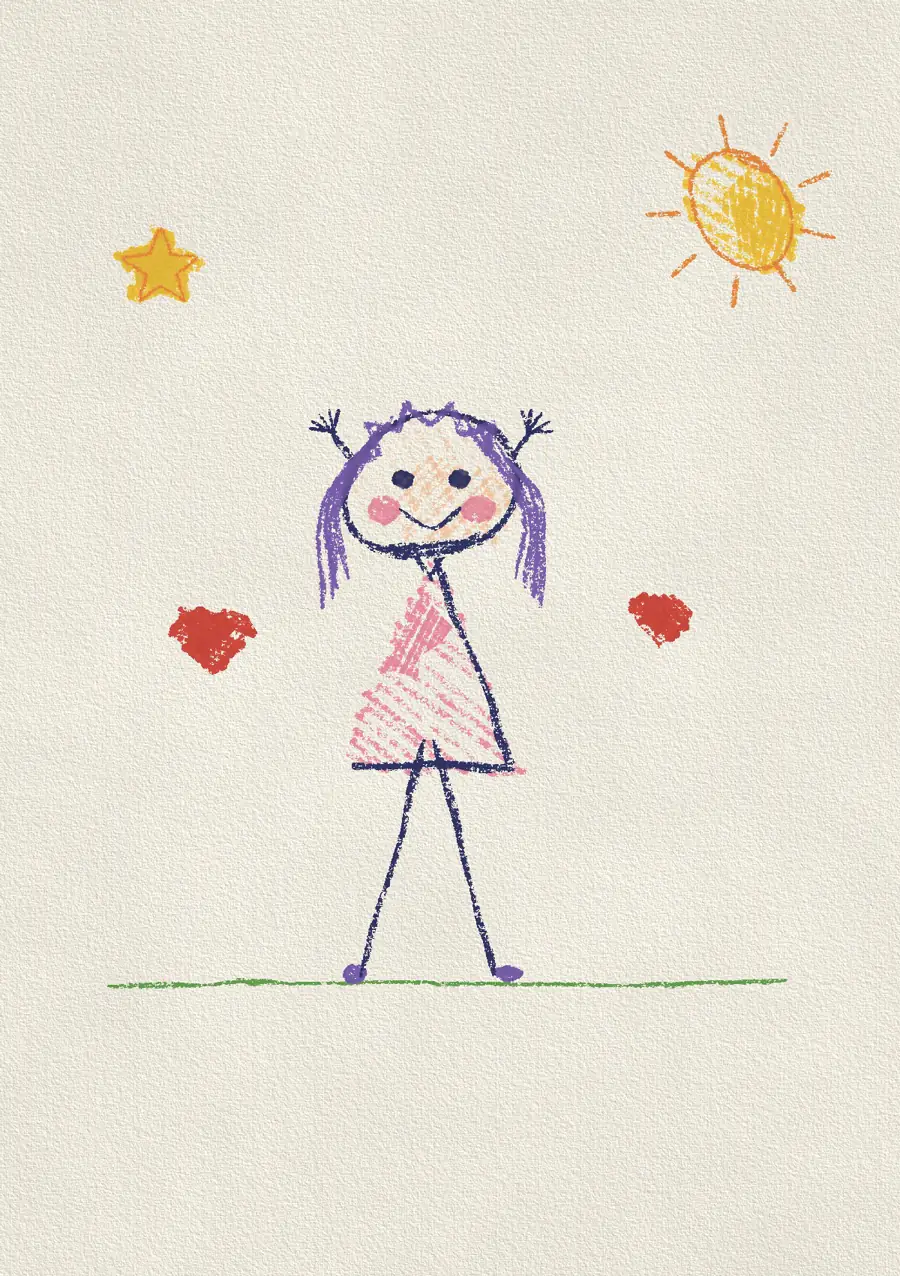
We simplify only where thread makes it necessary. Our film Why We Never Fix a Child's Drawing makes the case for leaving the purple hair alone.
Even a scribble can be digitized beautifully. Our film The Knot is about a child's tangled scribble of first-day nerves, which is just the kind of line that becomes striking in thread.
You can upload a drawing here and see a preview on a hoodie or a T-shirt before ordering. Preparing the drawing for thread is part of how every ANORA piece is made.
Frequently asked questions
What does digitizing mean in embroidery?
It's the process of converting artwork into a stitch file that an embroidery machine can read, including stitch types, directions, density, order and colors.
Can I digitize my own design for embroidery?
Yes, with embroidery software and practice. Simple designs are manageable for hobbyists, but professional-quality results take skill and experience.
Why do embroidery shops charge a digitizing fee?
Because digitizing is skilled work done once per design, separate from stitching. Some shops include it in the price; others charge it as a one-time setup fee.
What file type do embroidery machines use?
It depends on the brand. Common formats include DST, PES, EXP and JEF. These contain stitch instructions rather than images.